
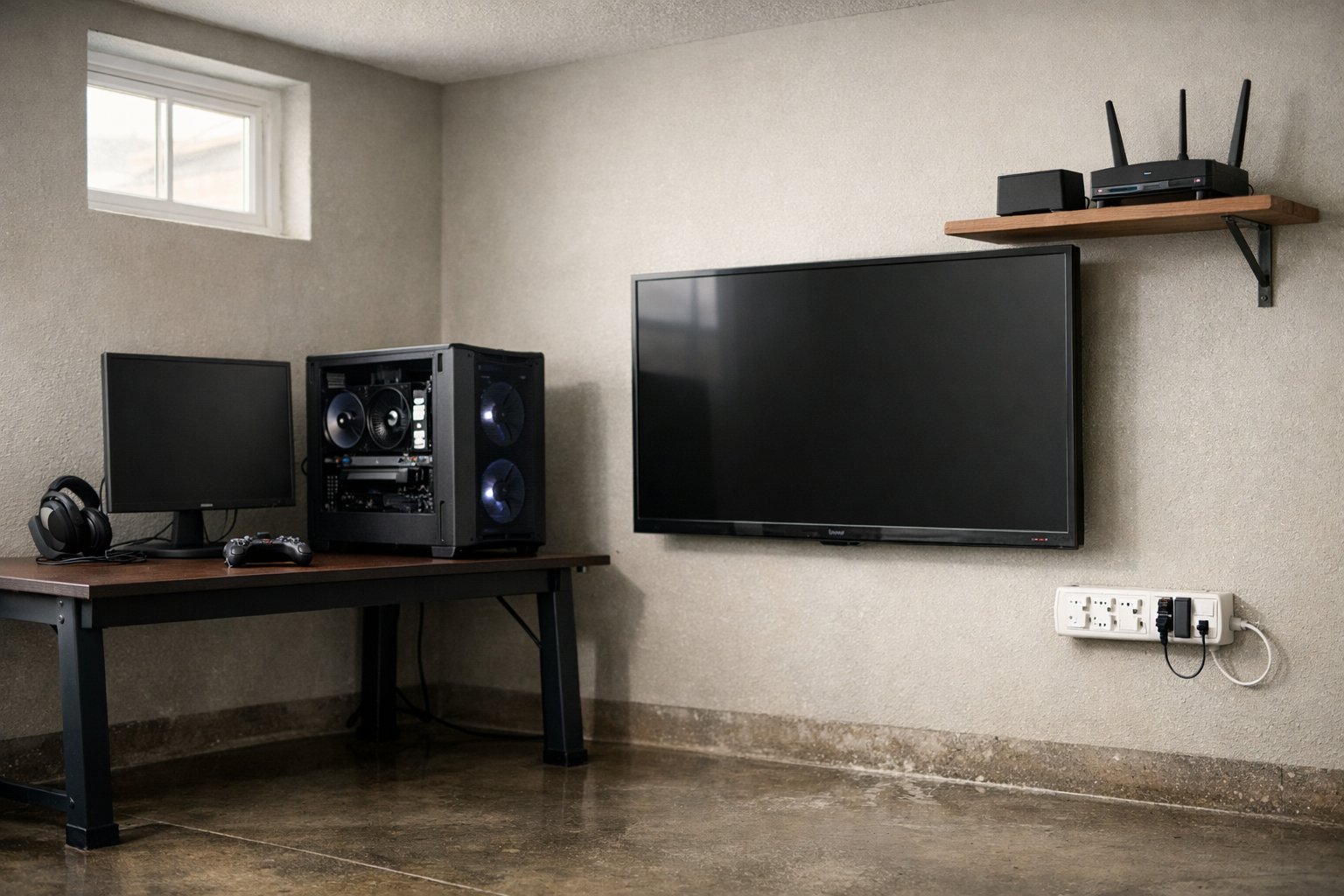
A flooded basement can destroy a gaming PC, a home server, and a wall of TVs in under an hour. Electronics protection depends on two moves: what you set up before water arrives, and what you do in the first 60 minutes after it does.
This post covers both. You will learn how to position and seal your devices ahead of a storm, and exactly what steps salvage soaked electronics after a flood.
Water damage to circuit boards is rarely instant death. Corrosion is the real killer, and it starts hours later. Acting fast changes everything.
Proactive Electronics Protection Before Water Arrives
Proactive measures cost little and stop most flood losses. The goal is keeping devices above water and cutting power before contact.
Elevate Devices Above Historical Flood Levels
Most basement floods crest between 2 and 12 inches. Wall-mount TVs, routers, and modems at least 18 inches above the floor.
- Desktop towers: Place on a desk or shelf, never directly on carpet or tile.
- Surge protectors and power strips: Mount on the wall, not the ground where they short first.
- Network equipment: Move routers and switches to an upper floor if wiring allows.
Seal and Waterproof Vulnerable Equipment
For gear that cannot move, create a barrier. Waterproof storage totes with gasket lids hold laptops, hard drives, and cameras.
Wrap larger items in heavy plastic sheeting and tape the seams. This buys hours during a slow rise.
Back Up Data Off-Site
Hardware is replaceable. Family photos and business records are not.
- Set an automatic cloud backup for critical files.
- Keep a second physical drive stored on an upper floor or off-property.
- Test a restore once a year to confirm it works.
Kill Power Before the Water Reaches It
Energized electronics in water create shock and fire risk. If a flood is forecast, unplug non-essential devices in advance.
Know your breaker panel location. Shutting off circuits to a basement or ground floor removes the danger before water arrives.
Reactive Steps After Electronics Get Wet
Reactive measures decide whether a soaked device lives or dies. Corrosion from floodwater minerals eats copper traces within 24 to 48 hours.
The First 60 Minutes
Speed beats every other factor. Follow this order.
- Cut power safely. Shut off the breaker before touching anything in standing water.
- Remove the device from water only once power is confirmed off.
- Do not power it on. Testing a wet board shorts live circuits instantly.
- Pull the battery from laptops and phones if the design allows it.
- Drain and open the case to let water escape.
Clean the Boards, Not Just the Surface
Floodwater carries sewage, silt, and salts. Rinsing a board with clean distilled water removes contaminants that keep corroding.
This sounds wrong, but distilled water is non-conductive when the device is off. It flushes away the dirty flood residue.
Dry Slowly and Completely
Rice does almost nothing. It absorbs surface moisture only and leaves grains inside ports.
- Use silica gel packets in a sealed container for small devices.
- Position a fan for airflow across opened equipment, not direct heat.
- Wait 48 to 72 hours before any power test. Hidden moisture ruins boards that looked dry.
Which Devices Are Worth Saving
Not every soaked device justifies recovery effort. Match the response to the value.
- High priority: Hard drives, SSDs, and NAS units holding irreplaceable data. Send to a data recovery lab unopened if drying fails.
- Medium priority: Laptops, desktops, and cameras. Worth cleaning and drying attempts.
- Low priority: Cheap peripherals, speakers, and power strips. Replace rather than risk fire.
Any device exposed to sewage-contaminated floodwater carries health risks. Handle it with gloves and skip low-value items entirely.
When to Call a Restoration Company
Standing water, sewage backup, or a large equipment loss needs a restoration company. They dry the structure and prevent mold that damages surviving electronics.
A wet wall behind a mounted TV feeds mold for weeks. Structural drying protects both the building and the gear inside it.
How to Find the Right Provider
Use Restoration Locator to compare providers near you. The directory lets you act fast during an active flood.
- Sort by location to find companies with the shortest response window.
- Check reviews from past flood clients before you call.
- Filter listings for water damage and content restoration specialties.
Ask any provider whether they handle electronics content cleaning or subcontract data recovery. The answer tells you if your devices are covered.
Insurance and Documentation
Photograph every soaked device before you move or clean it. Adjusters need proof of the water line and damage.
- Record serial numbers and model numbers from labels.
- Keep receipts for replacements and recovery work.
- Note the flood date and source in writing.
Standard homeowner policies exclude flood water. A separate flood policy covers rising water damage to contents. Confirm your coverage before storm season.
Key Takeaways
Proactive electronics protection means elevating devices, sealing gear, backing up data, and killing power before water arrives. Reactive measures mean cutting power, keeping devices off, flushing boards, and drying for days.
Match your effort to device value, document everything for insurance, and call a restoration company for standing water or sewage. Start your search at Restoration Locator to find help fast.